 klad
Lighting in a game
Let a game's 2D lights light your drawing. klad makes light maps from what you draw: which way each pixel faces, how shiny it is, what glows.
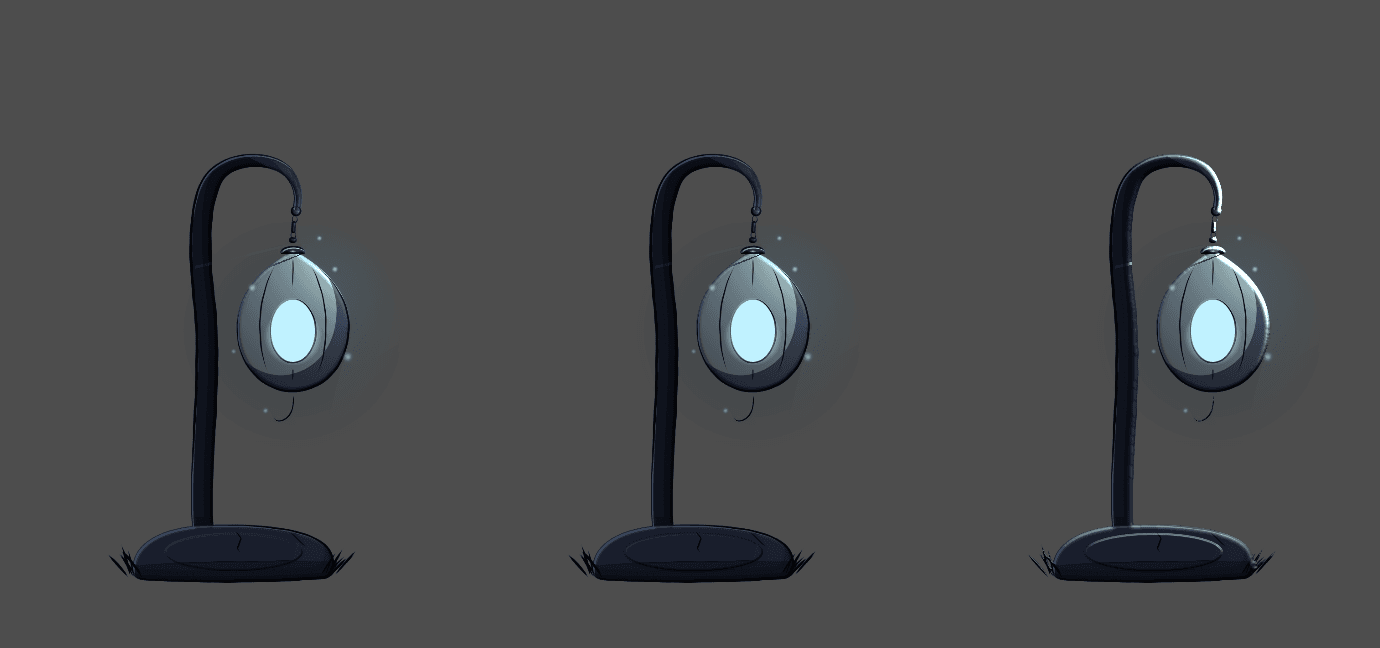
Turn the maps on
- Select Window > Light maps and tick light maps.
- Hold L and move the pointer. The pointer is a light.
- Press M to see each map over the canvas.
Shape the surface
- bevel sets how far in from the outline the edges round over.
- bevel alone can make a whole form: click fit beside it and the bevel gets as deep as the shape, so a flat disc with the profile round lights like a ball.
- Add a map layer in Layers (or turn a layer into one with Layer > Make it a map layer); in its Layer settings choose what it draws. Paint a height map layer white to raise, black to lower; mid grey changes nothing. Only lightness counts, so the Colour panel shows greys on a height layer, and the canvas shows the height map while it is selected. white raises sets how high pure white goes.
- A normal map layer paints directions. Pick one on the sphere in the Colour panel, or tick direction from pen tilt and lean the pen the way the surface faces. The canvas shows the normal map while the layer is selected.
Shine and glow
In a colour layer's Layer settings, under Light, set shine for metal and wet things, and tick emissive for windows, eyes and fire. They glow whatever the light. To light up only part of a layer, like the eyes on a face, pick their colour and click + the current colour beside emissive: the parts in that colour glow, on every frame. Click one of those colour squares to change it in the colour picker, or to remove it.
Check the maps
Select View > Check the light maps. The Light maps panel lists what reads wrong, such as a layer that looks flat or a glow past the drawing. Click a line to go there.
Export to Godot
Select File > Export > Godot… and click Export. With the maps on, the sprite is lit by Godot's lights, and <name>_lit.tscn shows it with your preview lights, in front of a plain backdrop. A sprite only casts a shadow on something lit behind it, like that backdrop or your game's ground. A light inside its own sprite, like a lantern's flame, is blocked by the sprite's shadow: in your game, give the sprite's LightOccluder2D an Occluder Light Mask that the light's Shadow > Item Cull Mask leaves out. In <name>_lit.tscn the lights do this by themselves. Tick cast shadows in that window for shadows from the silhouette. The lights in <name>_lit.tscn cast soft shadows; for the same on your own lights, set Shadow > Filter to PCF5 and Filter Smooth to 1. More smoothing makes the shadow spill past the sprite's edge. Tick a shader for fog, a rim light or darker creases.
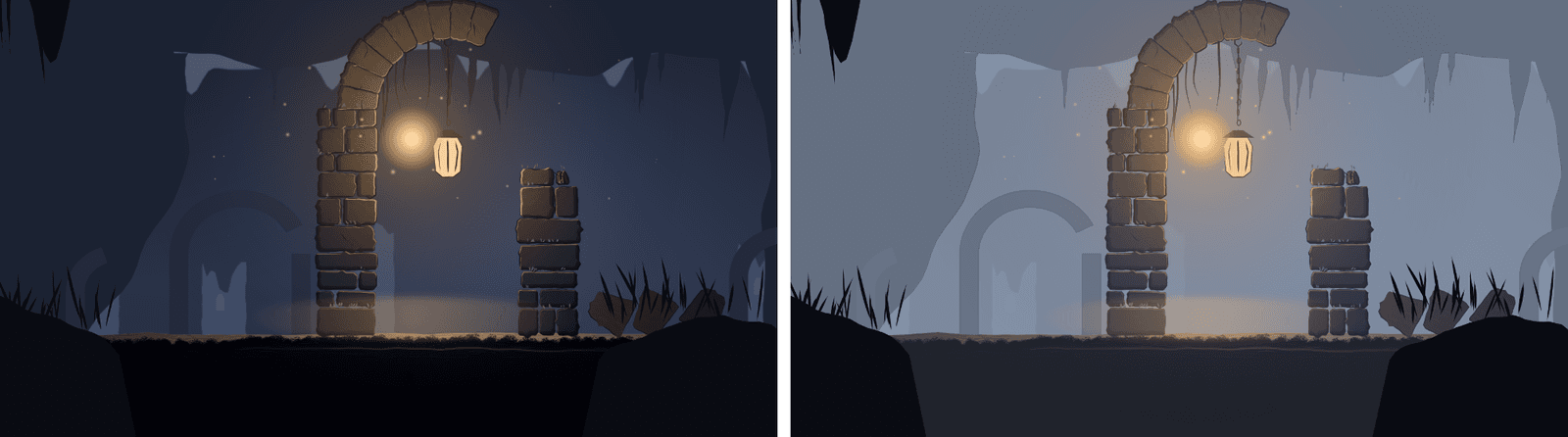
From a script
klad maps art.klad --on bevel=10
klad export art.klad --maps normal,specular
klad export art.klad --godot ../game/art --occluders --shaders fog
From docs/guide/light-maps.md in Klad at v0.4.0 (971a89b).